Chrome extension · 0.4.0
Hop the thread. Leave the account.
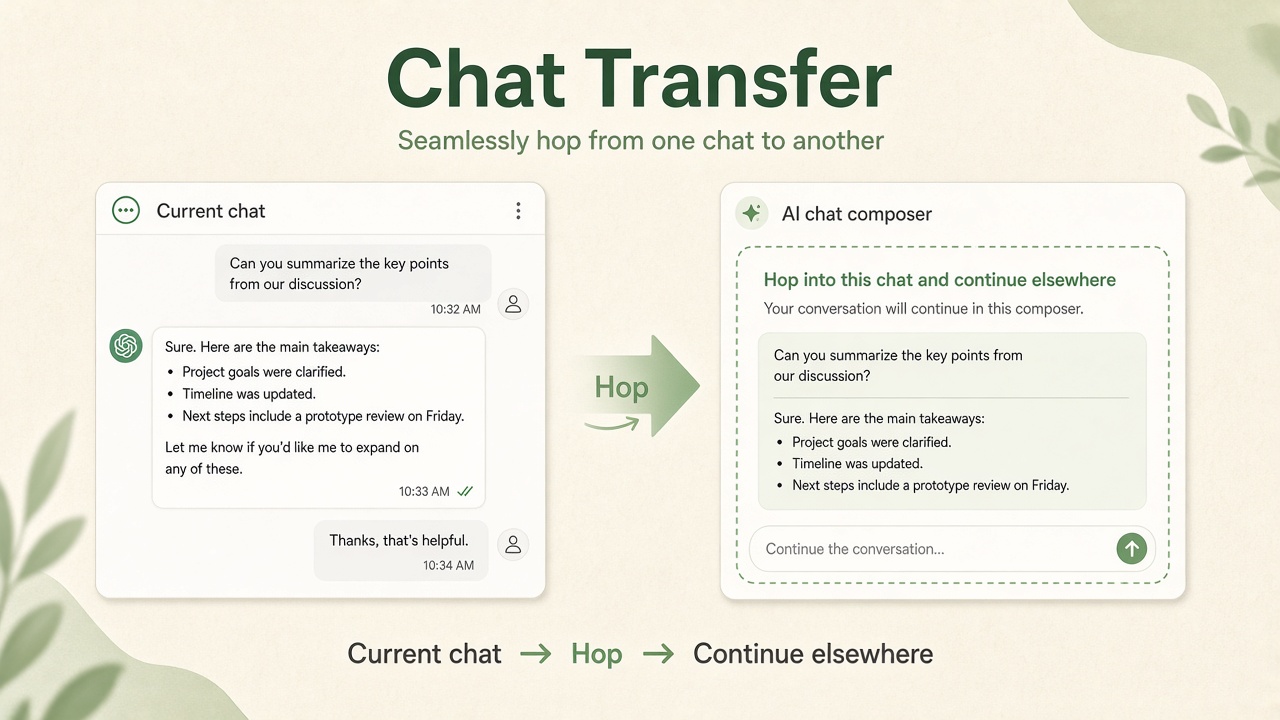
Move the open ChatGPT, Claude, Gemini, or Grok chat into another composer. On your device.
What stays true
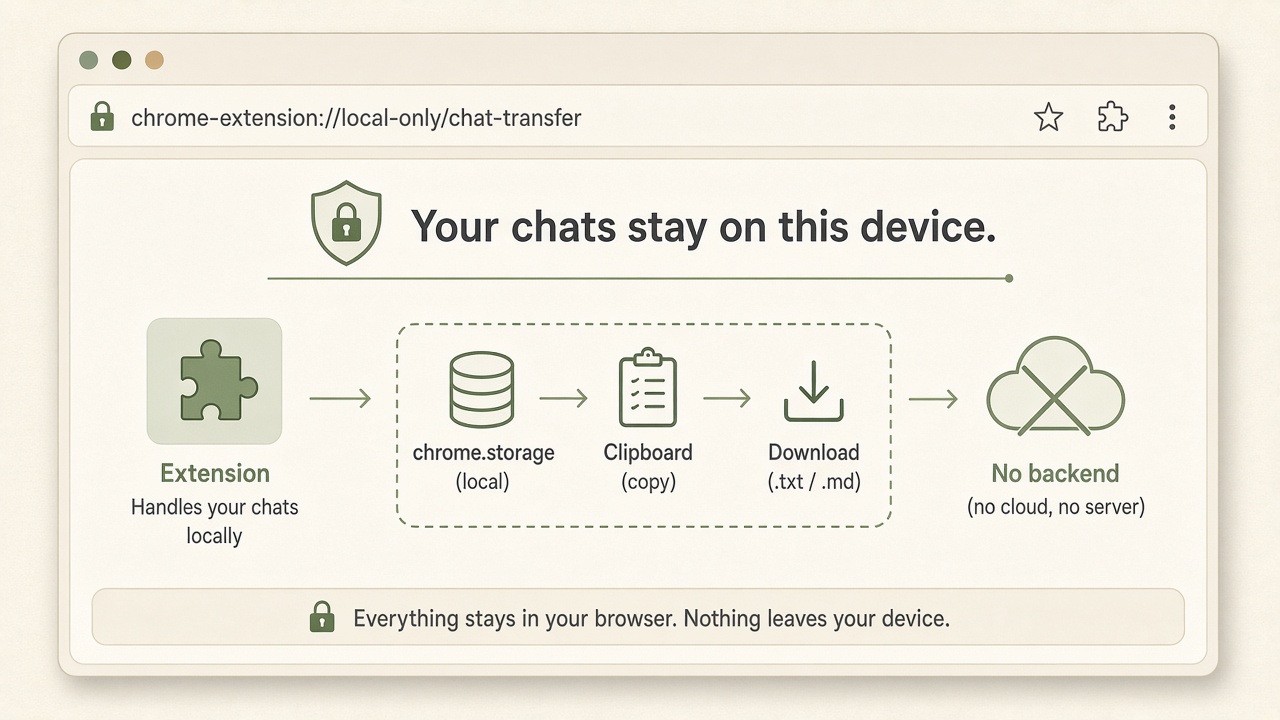
- Local only
- No backend
- Soft Auto-Send opt-in (default off)
- This thread ≠ account migration
Open, pick, paste, send
-
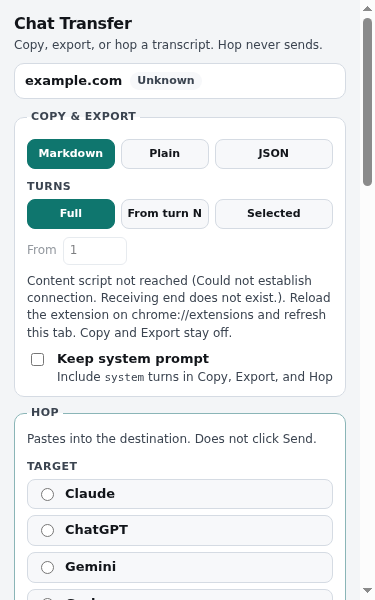
Open the chat
-
Pick a target
-
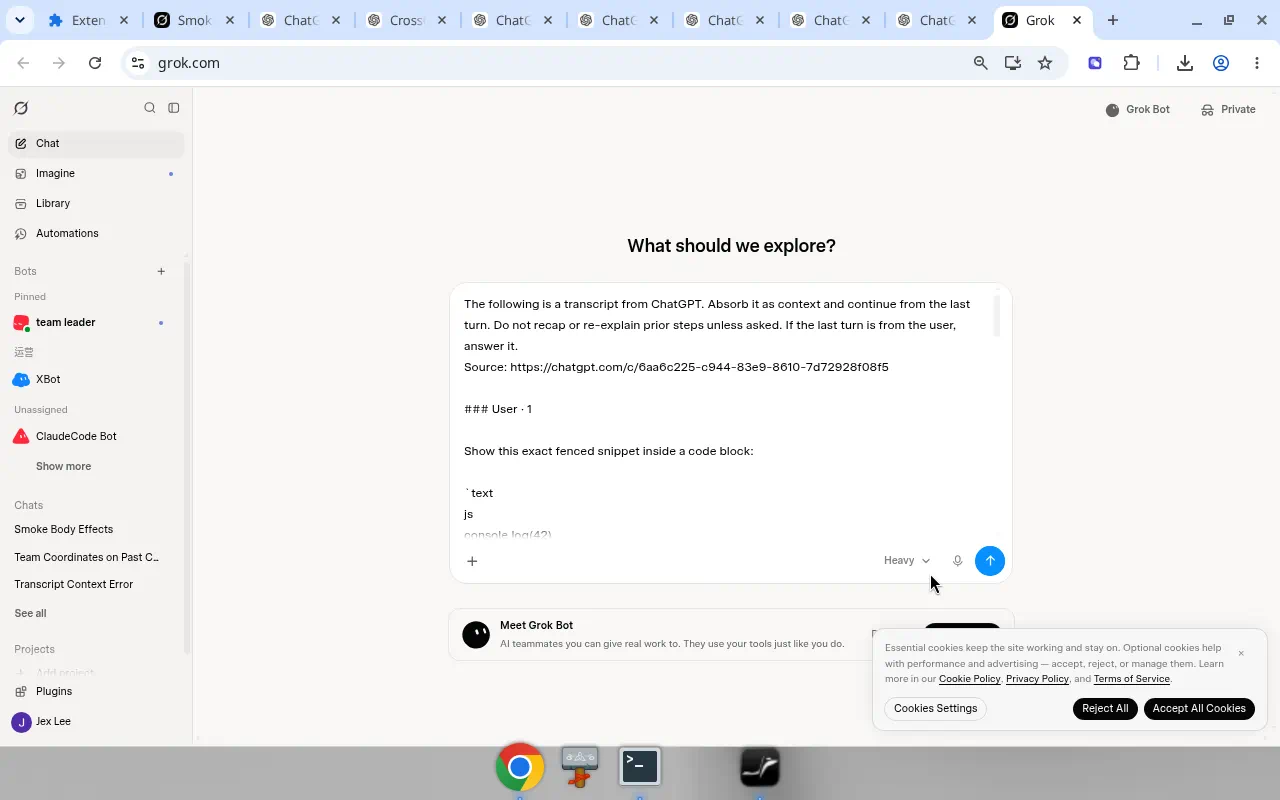
Paste lands
-
You press Send
Search Grok history locally · Export Grok chat to Markdown · Export Claude chat to Markdown · Search Claude history locally · Search ChatGPT history locally · Hop Grok to Gemini · Hop Grok to Claude · Hop Gemini to Grok · Hop Claude to Grok · Hop Grok to ChatGPT · Hop ChatGPT to Grok · Hop Gemini to ChatGPT · Export ChatGPT to another AI · Hop Claude to ChatGPT · Hop a ChatGPT chat to Claude · Hop ChatGPT to Gemini · Soft Auto-Send
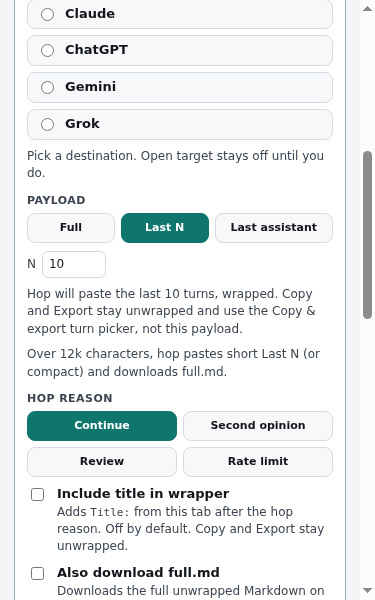
Hop, copy, export, overflow
-
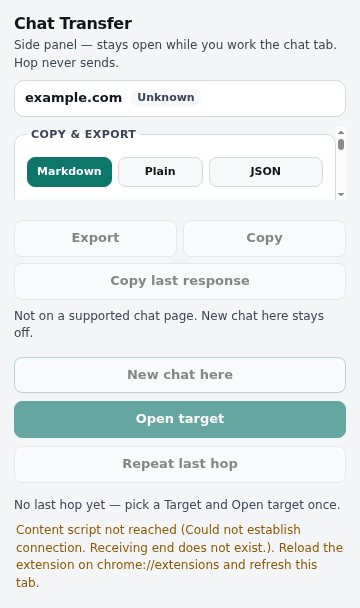
Hop Open target pastes the wrapped thread. -
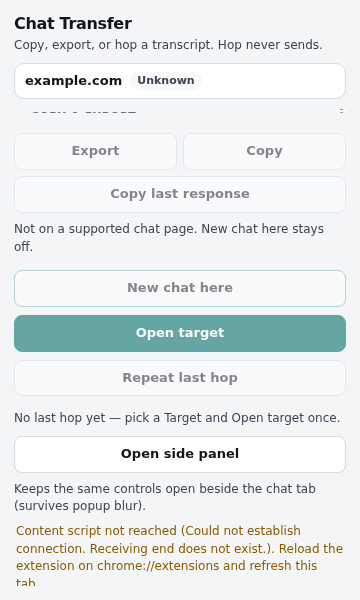
Copy Unwrapped transcript on the clipboard. -
Export A .md file on this device. -
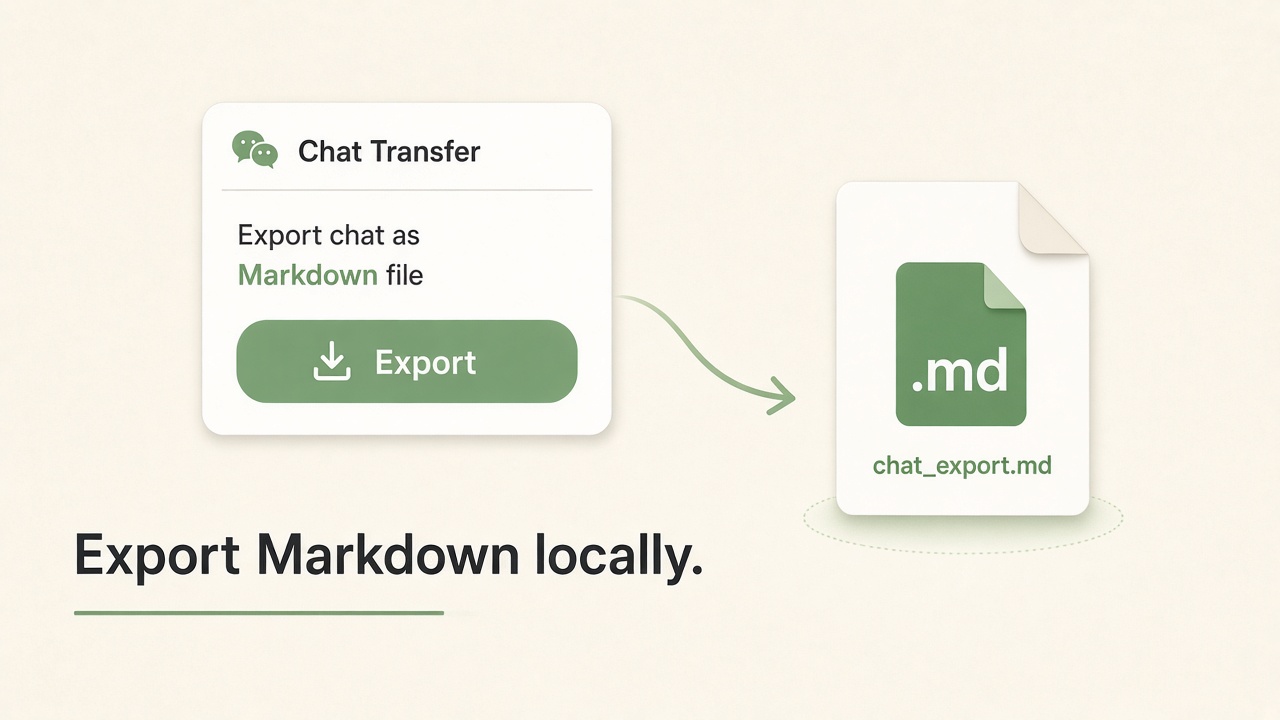
Overflow Over ~12k: short paste + full .md.
Three jobs